Getting verified
Verify your account so you can sell, give things away, and do more.
-
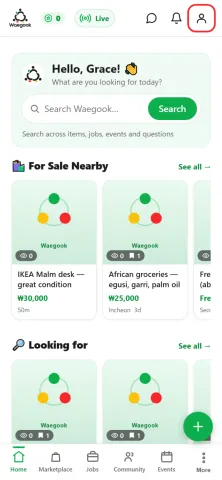
Step 1From the home screen, tap the person icon (top-right) to open your profile.
-
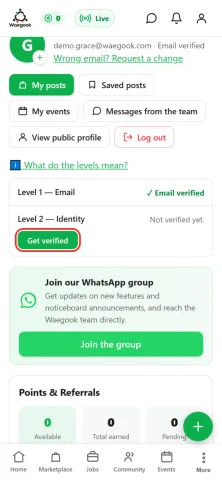
Step 2On your profile, tap “Get verified”.
-
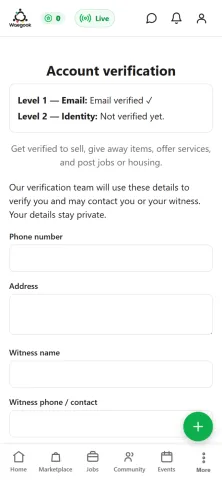
Step 3Level 1 (email) is done when you sign up. This page shows your level and what verification unlocks.
-
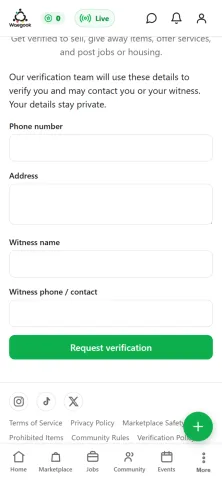
Step 4Scroll to the request form. Verification lets you sell, give away items, and post jobs or housing.
-
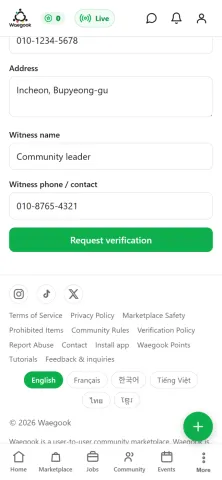
Step 5Fill in your details and tap “Request verification”. An admin reviews it, then your Verified badge appears.