Making a marketplace post
List an item on the marketplace so others can find it and chat with you.
-
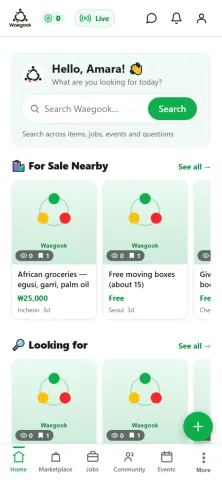
Step 1To sell something, tap the green + button (bottom-right) to start a new post.
-
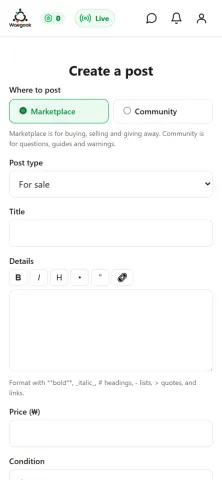
Step 2Choose “Marketplace”, pick the post type (For sale), and give your item a clear title.
-
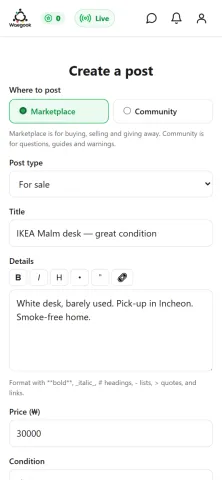
Step 3Set your price in won (₩) and write an honest description: condition, size and any details buyers should know.
-
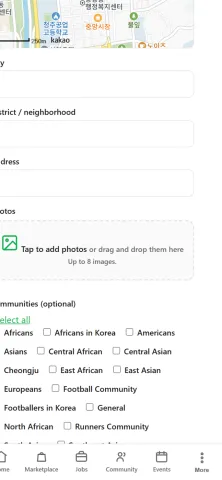
Step 4Add clear photos of your item so buyers know exactly what they’re getting.
-
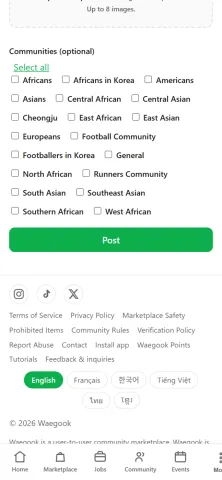
Step 5Check everything, then tap “Post”. Your item goes live and buyers can message you in the app.